Mar 27, 2026
Strategy
Best Times to Post on Threads in 2026
When should you post on Threads for maximum engagement? We break down the data on optimal posting times, frequency, and scheduling strategies.
Read More

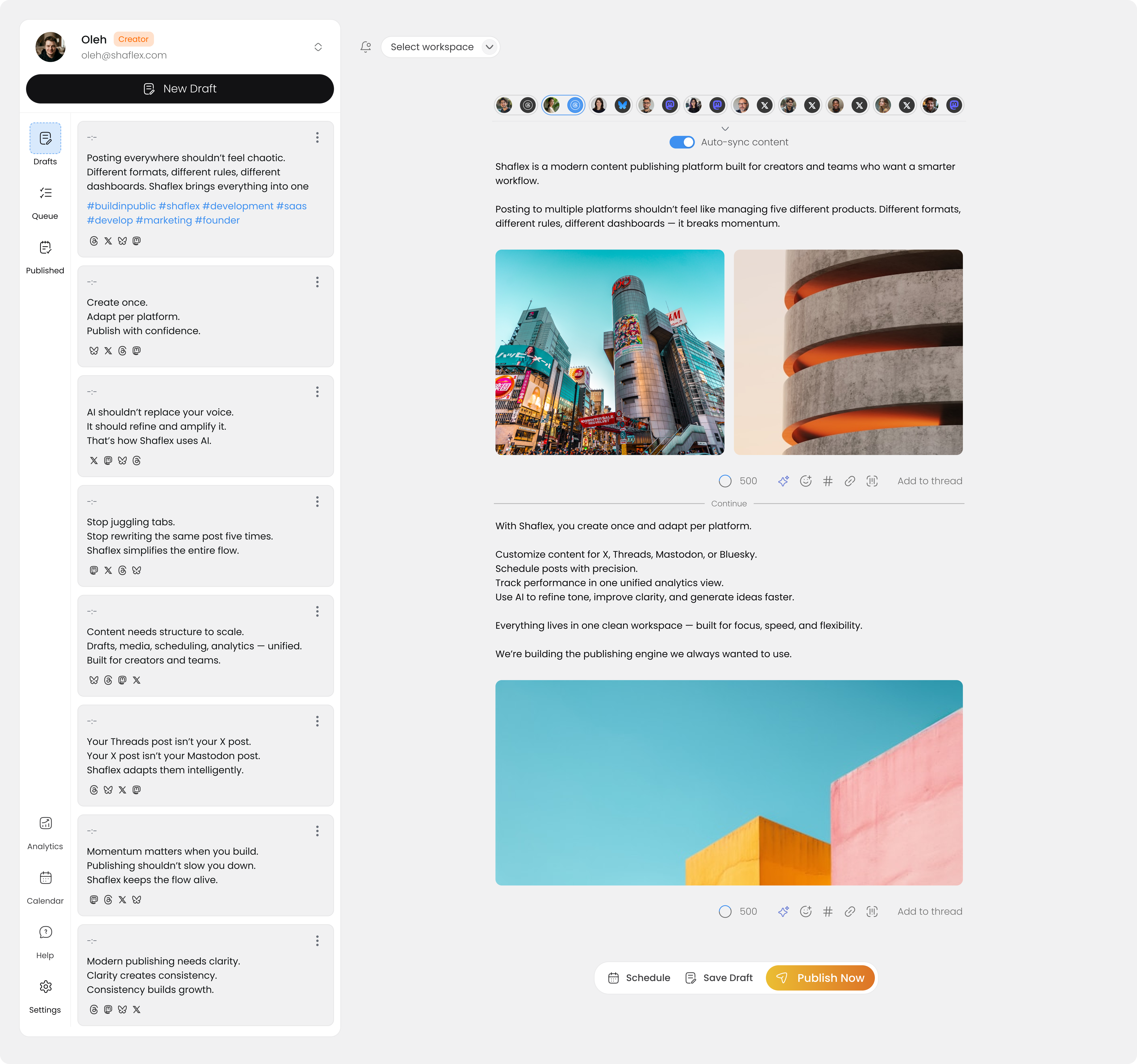
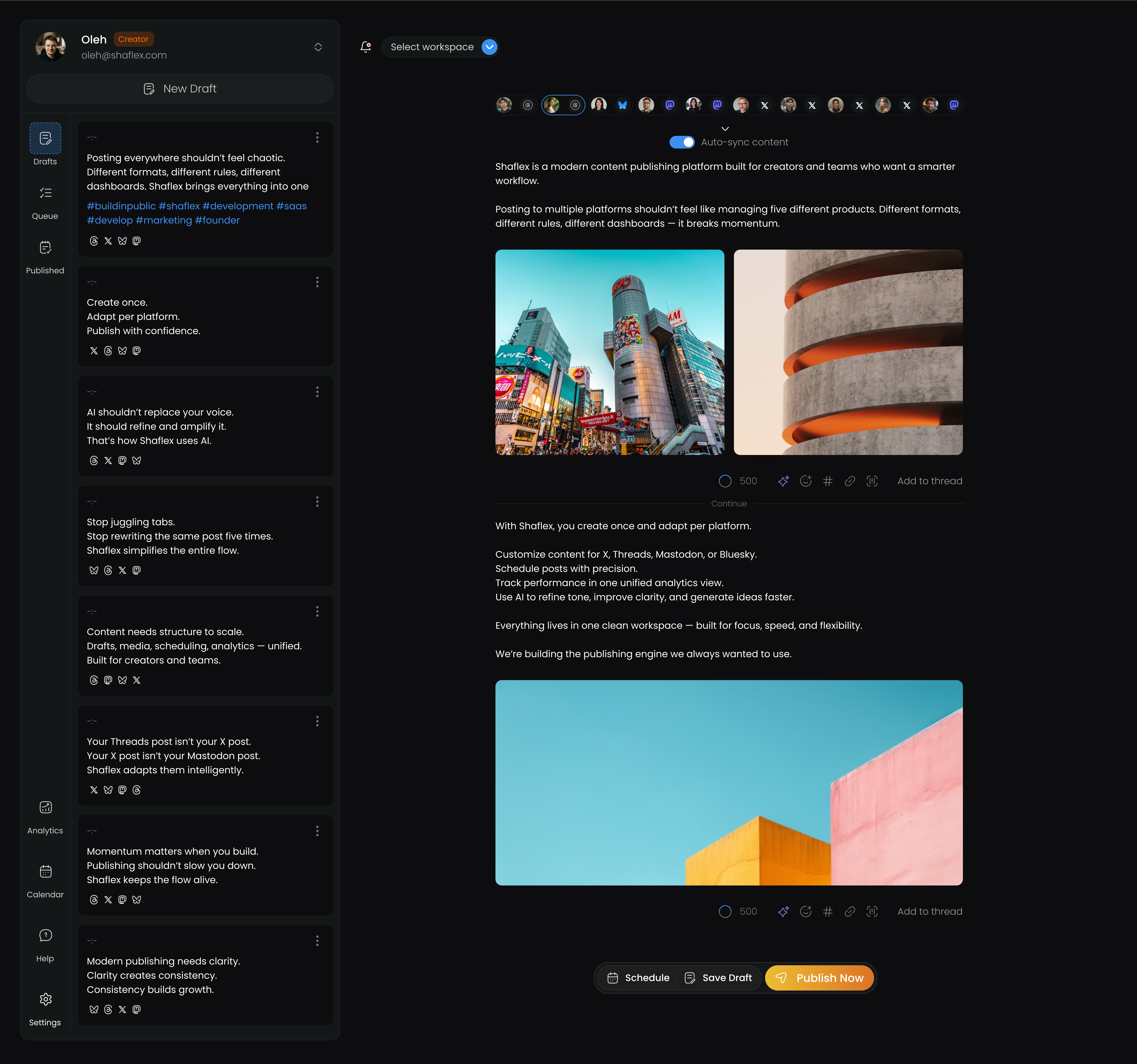
You can schedule Bluesky posts to go live at your best time, even while you're offline. Bluesky doesn't have native scheduling, so you need a third-party tool. Here's how to set it up with Shaflex in under 5 minutes. Not sure if Bluesky is the right platform for you? Read our Bluesky vs Threads comparison for creators.
Your Bluesky account is now linked to Shaflex. You can connect it as one of your free channels (the free plan includes 3 channels).
If your post is longer than 300 characters, you can create a threaded post:
You have two options:
Publish now: Click Publish to post immediately to Bluesky (and any other selected platforms).
Schedule for later: Click Schedule, pick a date and time, and Shaflex will publish automatically at that time.
If you're on the Creator plan or higher, you can also use AI-powered best-time-to-post analysis to find the optimal scheduling time.
One of the biggest advantages of scheduling through Shaflex is cross-posting. When you compose a Bluesky post, you can simultaneously publish it to:
Character limits are handled automatically. If your Bluesky post is 300 characters, it fits within all supported platforms' limits without editing.
| Feature | Limit |
|---|---|
| Characters | 300 |
| Images | Up to 4 |
| Max image size | 10 MB |
| Link previews | Supported |
| Threads | Supported |
| GIFs | Supported |
Not all social media schedulers support Bluesky. Here's who does and who doesn't:
| Tool | Bluesky Support |
|---|---|
| Shaflex | Yes |
| Buffer | Yes |
| Publer | Yes |
| Metricool | Yes |
| Later | No |
| Hootsuite | No |
| Sprout Social | No |
Shaflex is one of the few tools that supports Bluesky alongside Mastodon, Threads, X, and LinkedIn, letting you manage all your social platforms from one dashboard. Explore the full Bluesky scheduling experience to see what's possible.
Use threads for longer content. Bluesky's 300-character limit is tight. If you have more to say, use threaded posts instead of trying to compress everything into one post.
Include images. Visual posts tend to get more engagement on Bluesky, just like on other platforms.
Cross-post strategically. Not every post needs to go to every platform. Use Shaflex's multi-channel selector to choose which platforms make sense for each post.
Schedule consistently. Bluesky's algorithm rewards regular posting. Use Shaflex's content calendar to plan your posting schedule in advance.
Ready to start scheduling Bluesky posts? Sign up for Shaflex. Free plan includes 3 channels and 30 posts/month.
Mar 27, 2026When should you post on Threads for maximum engagement? We break down the data on optimal posting times, frequency, and scheduling strategies.
 Mar 27, 2026
Bluesky and Threads are both growing fast. Here's how they compare for content creators: audience, features, reach, and which one deserves your time.
 Mar 27, 2026
Building in public drives trust and attracts early users. Here's how to share your journey across X, Bluesky, Mastodon, and LinkedIn without it eating your day.
Free plan, no credit card. Set up in under 2 minutes.