Threads Scheduling
Schedule Threads posts with Shaflex
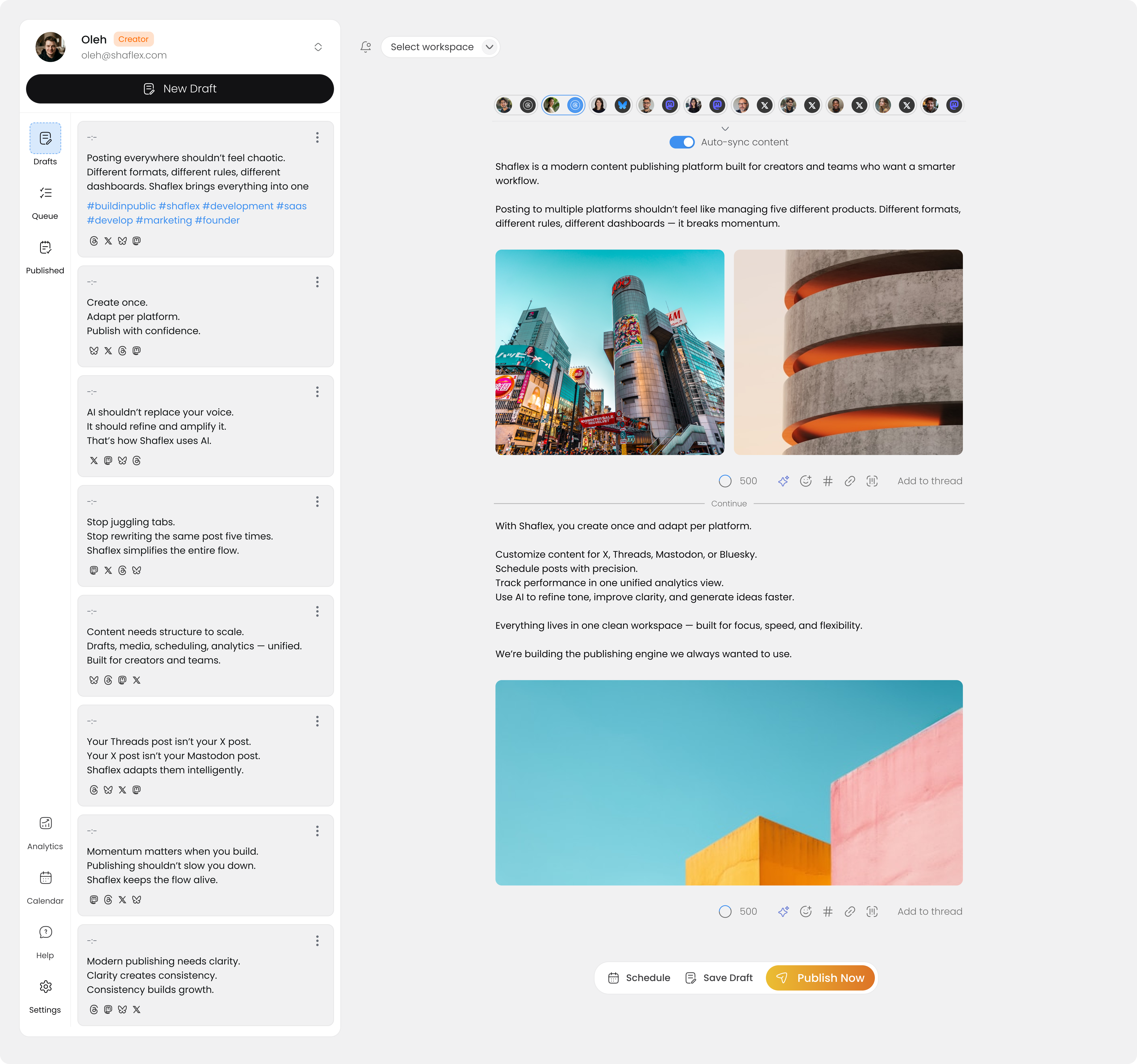
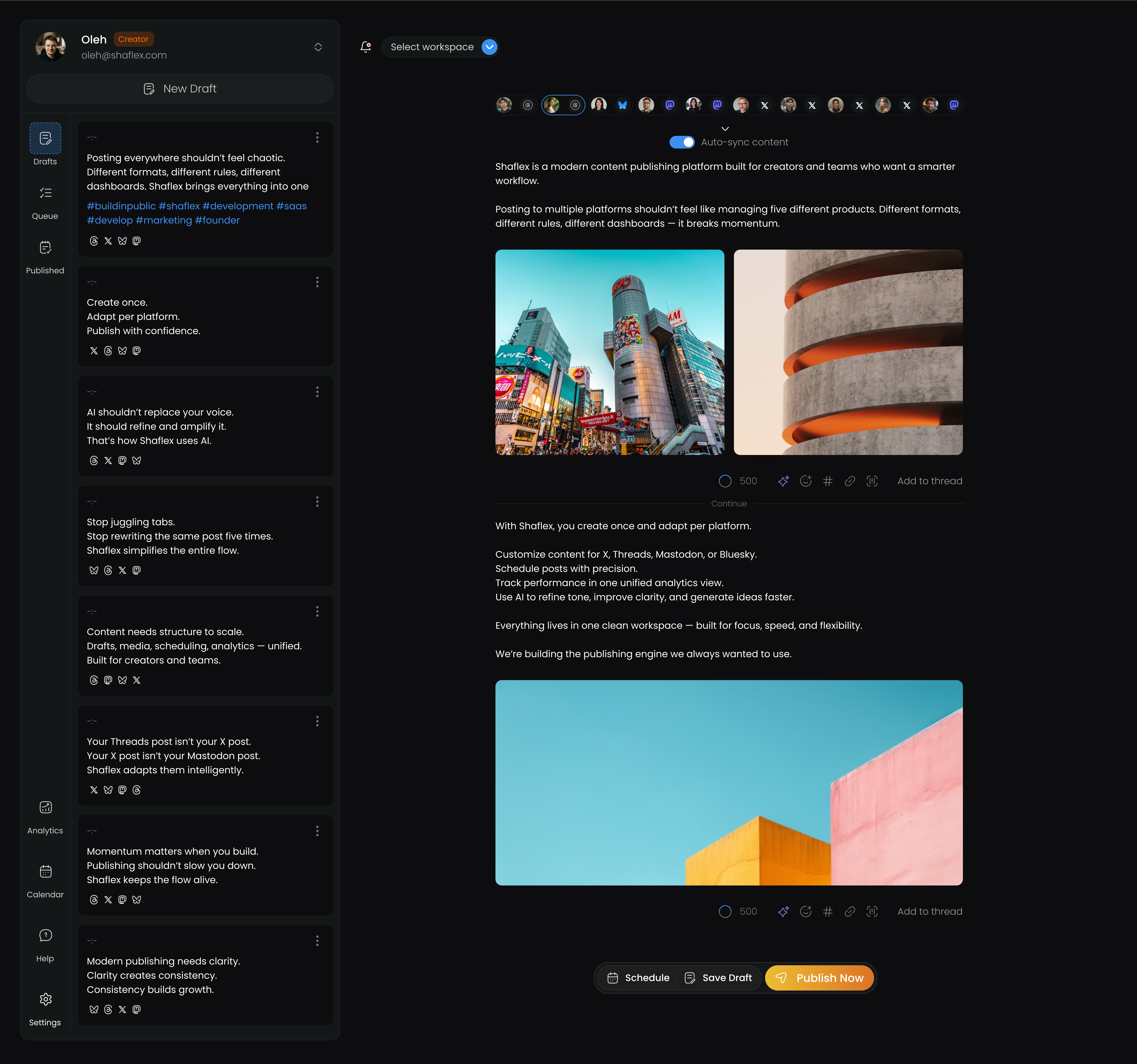
Create Threads posts, schedule them in advance, and cross-post to X, Bluesky, Mastodon, and LinkedIn — all from one dashboard.
Get started for freeWhy Shaflex for Threads
Rich media support
Post text (up to 500 characters), attach up to 10 images, or include video. Shaflex supports all content types that Threads allows.
Reply audience control
Choose who can reply to your Threads posts — everyone, people you follow, or mentioned only. Set this directly from Shaflex when scheduling.
Cross-post to X, Bluesky, and more
Write your Threads post once and publish it to X/Twitter, Bluesky, Mastodon, and LinkedIn at the same time. Character limits are handled automatically.
Engagement from one place
View and reply to Threads comments directly from Shaflex. No need to switch between apps to manage conversations.
Threads limits and formats
Also publish to these platforms at the same time
Write your post once in Shaflex and publish it to Threads and X/Twitter, Bluesky, Mastodon, LinkedIn simultaneously. Character limits and media requirements are adapted automatically for each platform.
How it works
Connect your account
Sign up for Shaflex (free) and connect your Threads account. It takes under 2 minutes.
Create your post
Write your Threads post, add media, and optionally select other platforms to cross-post to.
Schedule or publish
Pick a date and time to schedule, or publish instantly. Shaflex handles the rest.
Which schedulers support Threads?
Frequently asked questions
Can I schedule Threads posts for free?
Can I control who replies to my scheduled Threads posts?
Can I cross-post from Threads to X/Twitter?
Does scheduling Threads posts affect reach?
How many images can I attach to a Threads post?
Start scheduling Threads posts for free
Connect your Threads account in under 2 minutes. Free plan includes 3 channels and 30 posts/month.
Get started for free

Start posting to five platforms today
Free plan, no credit card. Set up in under 2 minutes.