 Feb 25, 2026
Marketing
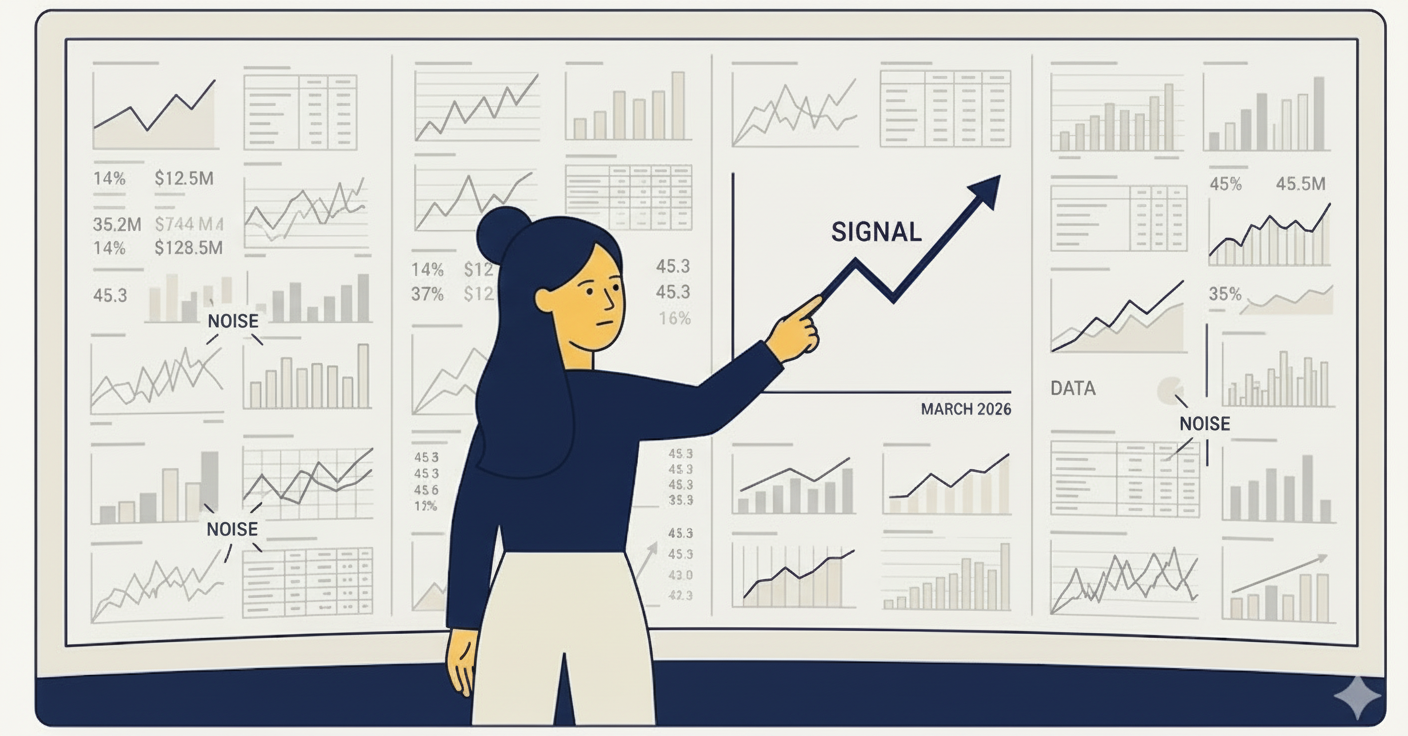
Social Media Analytics: The Only Metrics That Actually Matter
Cut through the noise and focus on the analytics that drive real business results for your social media strategy.
Read More

Social media scheduling is the practice of planning and queuing posts ahead of time so they publish automatically at the best moment for your audience. Whether you manage one account or a dozen, scheduling lets you stay consistent, reclaim your time, and focus on the creative work that actually grows your brand. In this guide, we break down everything you need to know about social media scheduling in 2025 — from why it matters to the exact workflow you can follow today.
In today's fast-paced digital landscape, consistency is key to building a strong social media presence. But manually posting content at optimal times across multiple platforms can be overwhelming and time-consuming.
That's where social media scheduling comes in. By planning and automating your posts, you can:
According to research, brands that post consistently see up to 2x higher engagement rates than those that post sporadically. Scheduling is the simplest way to ensure that consistency without burning out.
Every audience is different, so there's no one-size-fits-all answer to when you should post. Here's how to find your optimal times:
Most social platforms provide insights about when your followers are most active. On Threads, X, and LinkedIn, check the "audience" or "analytics" tab for peak activity windows. Start posting during those windows and measure performance over 2-3 weeks.
If your audience spans multiple time zones, you may need to post at different times or schedule duplicate posts. For global audiences, consider staggering posts — one for EU mornings and another for US mornings. Tools that support multi-platform publishing make this easier.
Don't be afraid to experiment. Try posting at different times and track engagement to find what works best. Create a simple spreadsheet tracking post time, platform, and engagement rate. After 30 days, patterns will emerge.
While your own data should guide decisions, general benchmarks are a useful starting point:
A content calendar is essential for organized scheduling. It gives you a bird's eye view of what's going out, when, and where — so nothing falls through the cracks.
Here's what to include in yours:
If you need help getting started, check out our guide on content calendar templates with formats for every workflow.
Here's a practical workflow you can adopt right away:
Every Monday (or Friday for the following week), outline your content themes. Align them with any upcoming launches, events, or holidays.
Set aside 2-3 hours to write all your posts for the week in one session. Batching keeps you in a creative flow and is far more efficient than writing one post at a time. If you use AI to help draft, make sure to keep your brand voice intact.
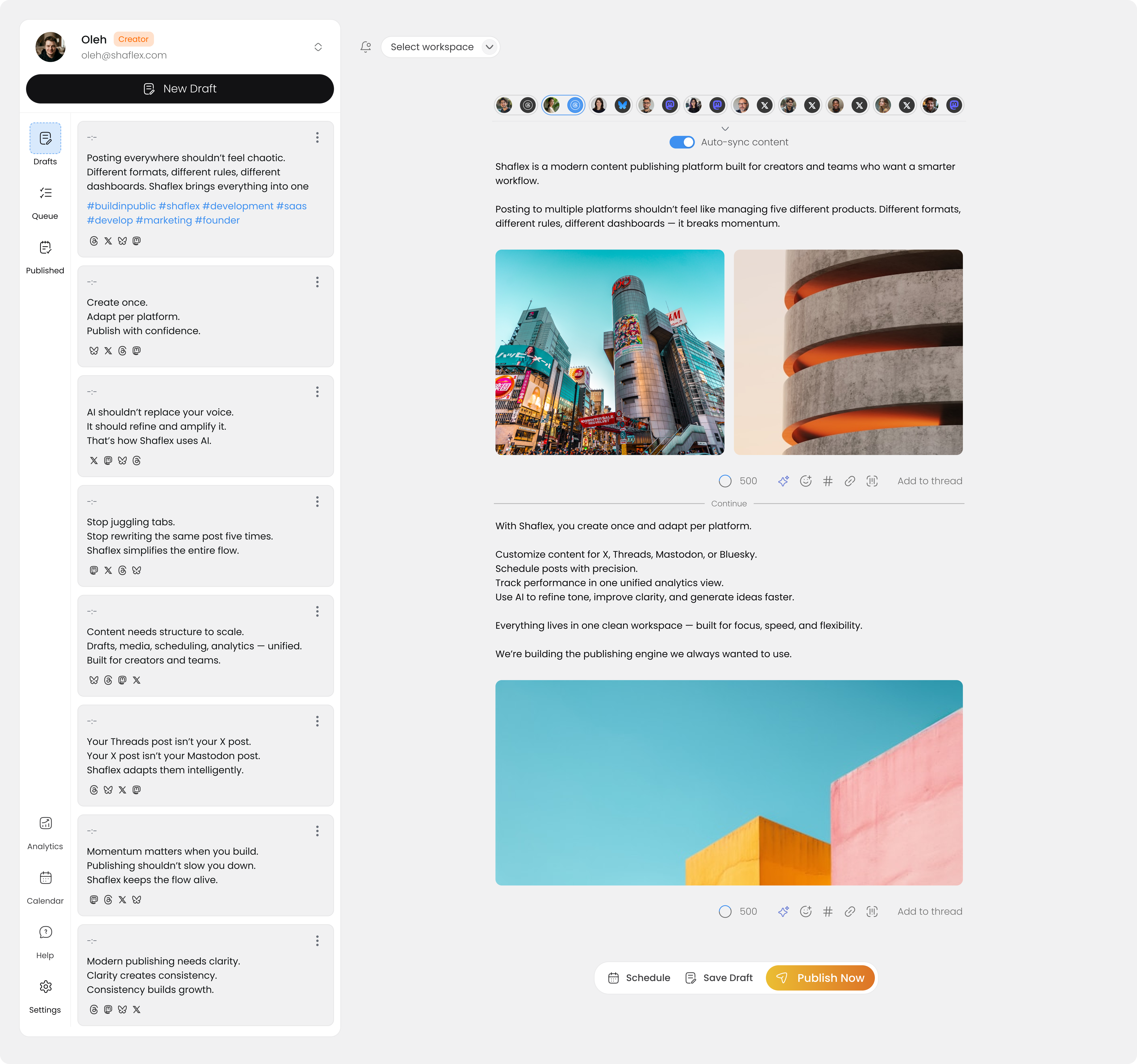
Use a scheduling tool to queue posts across all your channels. With Shaflex, you can write once and publish to Threads, BlueSky, Mastodon, X, and LinkedIn simultaneously — no copy-pasting required.
Always double-check scheduled content before it goes live. Look for:
Scheduling frees up time, but don't disappear after posting. Set aside 15-20 minutes after each post goes live to respond to comments and engage with your audience. The algorithm rewards early engagement.
While you can schedule directly through some platforms, dedicated tools offer more features:
| Feature | Native Scheduling | Dedicated Tool |
|---|---|---|
| Multi-platform | No | Yes |
| Visual calendar | Limited | Full |
| Team collaboration | No | Yes |
| Analytics | Basic | Advanced |
| Bulk scheduling | No | Yes |
When evaluating tools, prioritize simplicity. The best scheduling tool is one that gets out of your way and lets you focus on creating. Look for clean interfaces, reliable publishing, and support for the platforms your audience actually uses.
Social media scheduling is a powerful tool for any content creator or brand. By planning ahead and using the right tools, you can maintain a consistent presence while saving time and reducing stress.
Start small — schedule just one week of content and see how it feels. As you build the habit, expand to two-week or monthly planning cycles. The key is consistency, not perfection.
Ready to simplify your publishing workflow? Try Shaflex for free and schedule your first post across multiple platforms in minutes.
Feb 25, 2026Cut through the noise and focus on the analytics that drive real business results for your social media strategy.
 Feb 18, 2026
Practical tips for leveraging AI tools to speed up content creation while maintaining your unique brand voice.
 Feb 10, 2026
Expert strategies to grow your LinkedIn following and generate quality leads for your B2B business.